
Blog Details

blog-img
  • 02 Dec 2025, 05:08 PM

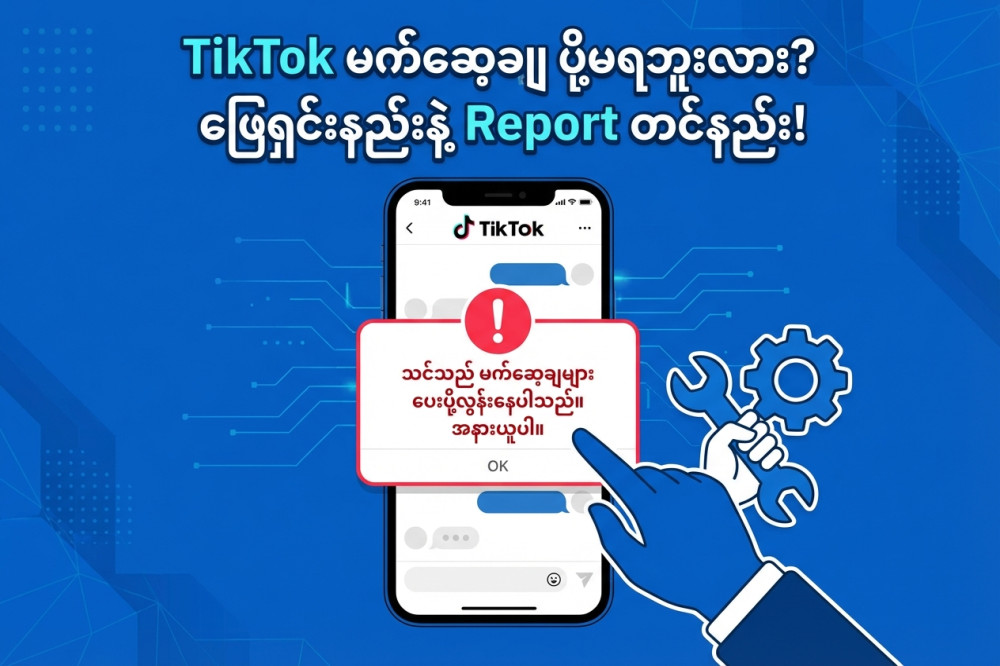
Messenger ၇ ရက် ပိတ်ခံရခြင်းအတွက် အယူခံဝင်နည်းလမ်းညွှန်


Messenger တွင် TikTok link တစ်ခုပေးပို့ရာမှ Facebook AI စနစ်က "အကောင့်မှ sensitive information များရယူရန် ကြိုးစားနေသည်" ဟု မှားယွင်းယူဆပြီး စာပို့ခွင့် ၇ ရက် ပိတ်ထားခြင်း ဖြစ်ပါသည်။

အောက်ပါ နည်းလမ်း (၂) ခုကို အသုံးပြုပြီး ဖြေရှင်းနိုင်ပါသည်။


နည်းလမ်း (၁) - "Disagree with Decision" ခလုတ်ကို ရှာဖွေခြင်း (အထိရောက်ဆုံးနည်းလမ်း)

Facebook မှ အရေးယူမှုတစ်ခုခုလုပ်ပါက Support Inbox တွင် အရင်ဆုံးသွားကြည့်သင့်ပါသည်။

  1. Facebook App ကို ဖွင့်ပါ။
  2. Menu (ညာဘက်အပေါ်ထောင့် သို့မဟုတ် အောက်ထောင့်ရှိ မျဉ်းသုံးကြောင်း) ကို နှိပ်ပါ။
  3. အောက်ဆုံးနားထိသွားပြီး "Help & Support" ကို နှိပ်ပါ။
  4. "Support Inbox" ကို နှိပ်ပါ။
  5. "Your Alerts" ကို ဝင်ကြည့်ပါ။ Messenger ပိတ်ခံရကြောင်း စာကို တွေ့ပါလိမ့်မည်။
  6. ထိုစာကို နှိပ်လိုက်ပါက အောက်နားတွင် "Disagree with Decision" (ဆုံးဖြတ်ချက်ကို လက်မခံပါ) ဆိုသော ခလုတ်ပြနေပါက ချက်ချင်းနှိပ်ပါ။
  7. ထိုခလုတ်မပေါ်ပါက နည်းလမ်း (၂) ကို ဆက်လုပ်ပါ။


နည်းလမ်း (၂) - "Report a Problem" မှတဆင့် စာရေးပြီး တင်ပြခြင်း

ဒီနည်းလမ်းကတော့ လူကိုယ်တိုင် ပြန်စစ်ပေးဖို့ တောင်းဆိုတာ ဖြစ်ပါတယ်။

အဆင့် (က) - ပြဿနာကို Report လုပ်ခြင်း

  1. Messenger App သို့မဟုတ် Facebook App ကို ဖွင့်ပါ။
  2. ဖုန်းကို ကိုင်ပြီး ဘယ်ညာ ခပ်ကြမ်းကြမ်း လှုပ်လိုက်ပါ (Shake phone to report)
  3. "Report a problem" ဆိုသော ခလုတ်ပေါ်လာပါလိမ့်မည်။ ၎င်းကို နှိပ်ပါ။
  4. "Include" ကို နှိပ်ပါ။
  5. Product ရွေးခိုင်းလျှင် "Messenger" သို့မဟုတ် "Messages" ကို ရွေးပါ။
  6. စာရေးရမည့် နေရာရောက်လျှင် အောက်ပါ အဆင့် (ခ) မှ စာကို ကူးယူ (Copy) ပြီး ထည့်ပေးပါ။
  7. Image ထည့်ရမည့်နေရာတွင် သင့်အကောင့်ပိတ်ခံထားရကြောင်း ပြနေသော Screenshot (ပုံ) ကို ထည့်ပေးပါ။
  8. ညာဘက်အပေါ်ထောင့်မှ Send ကို နှိပ်ပါ။

အဆင့် (ခ) - ပို့ရမည့် စာသား (English လိုပို့မှ ပိုမြန်ပါသည်)

အောက်ပါ စာသားကို Copy ကူးပြီး Report box ထဲတွင် ထည့်ပါ။

Subject: Appeal for Messenger Restriction (False Positive)

Dear Facebook Support Team,

My account has been restricted from sending messages for 7 days. The notification states that my activity "may try to gather sensitive information from others."

This is a mistake. I was simply sending a TikTok video link to a friend in a private conversation. I was NOT trying to phish, spam, or gather any sensitive data. The automated system incorrectly flagged the TikTok URL as a security threat.

Please review my chat logs manually. It was a harmless social media link sharing between friends. I have been a user of Facebook for a long time and I follow the Community Standards.

Please remove this restriction as soon as possible.

Thank you.


အပိုဆောင်း အကြံပြုချက်

  • Appeal တင်ပြီးပါက ချက်ချင်း ပြန်ပွင့်လေ့မရှိဘဲ ၂၄ နာရီမှ ၄၈ နာရီအထိ ကြာတတ်ပါသည်။
  • နောက်နောင်တွင် TikTok link များ သို့မဟုတ် Short Link များကို Messenger တွင် ဆက်တိုက်ပို့ခြင်း ရှောင်ကြဉ်ပါ။ (Facebook AI က Spam ဟု ထင်တတ်၍ ဖြစ်သည်)။
  • Link ပို့မည့်အစား TikTok video ကို download ဆွဲပြီး video file အနေဖြင့် ပို့ခြင်းက ပိုစိတ်ချရပါသည်။

#VertexSMM #FacebookReport #ReportaProblem
Telegram   99+ unread messages